How to Tag The Site Logo Widget for Figma to Elementor?
Tag your website logo in your Figma design as an Elementor Pro Site Logo widget using UiChemy.
Are you showing the website logo in your Figma design? You can tag the logo as an Elementor Site Logo widget directly from your Figma design using the UiChemy plugin. When you export the design as an Elementor template, that section will use the Elementor Site Logo widget.
What Can Be Tagged?
A frame containing an image can be tagged as a Site Logo widget.
Since this is a dynamic widget, only the style is exported, not the content.
How to Tag?
To do this, you can choose between two options: Step by Step Method or Quick Conversion. Here, we'll go with the Step by Step Method.
- First, select the Step by Step Method and click the Start button.
- Select the top-level page or frame of your layout, then click the Next button.
- Under the Widget Tagging Mode tab, select the Manual Widget Tagging option.
- Next, under the Manage Auto Layout tab, you'll see two options: It's already in Auto Layout and Convert to Auto Layout. We'll go with the first option.
- After that, under the Tag Widgets tab, choose the frame or container that contains your element (widget). Then search for the Site Logo widget from Elementor Pro in the UiChemy panel and select it. Here you'll see all the supported Elementor widgets.
You need a UiChemy Pro license to tag Elementor Pro widgets.
On the next screen, you'll see information about which element you're tagging as which widget, followed by widget-specific tagging options, most of which are auto-filled based on your design.
- The image will be auto-selected in the Image dropdown.
- Once done, click the Save button to complete the tagging, and you'll see a Tagged successfully message.
Now, if you export the design, that element will use the Elementor Site Logo widget with your set style.
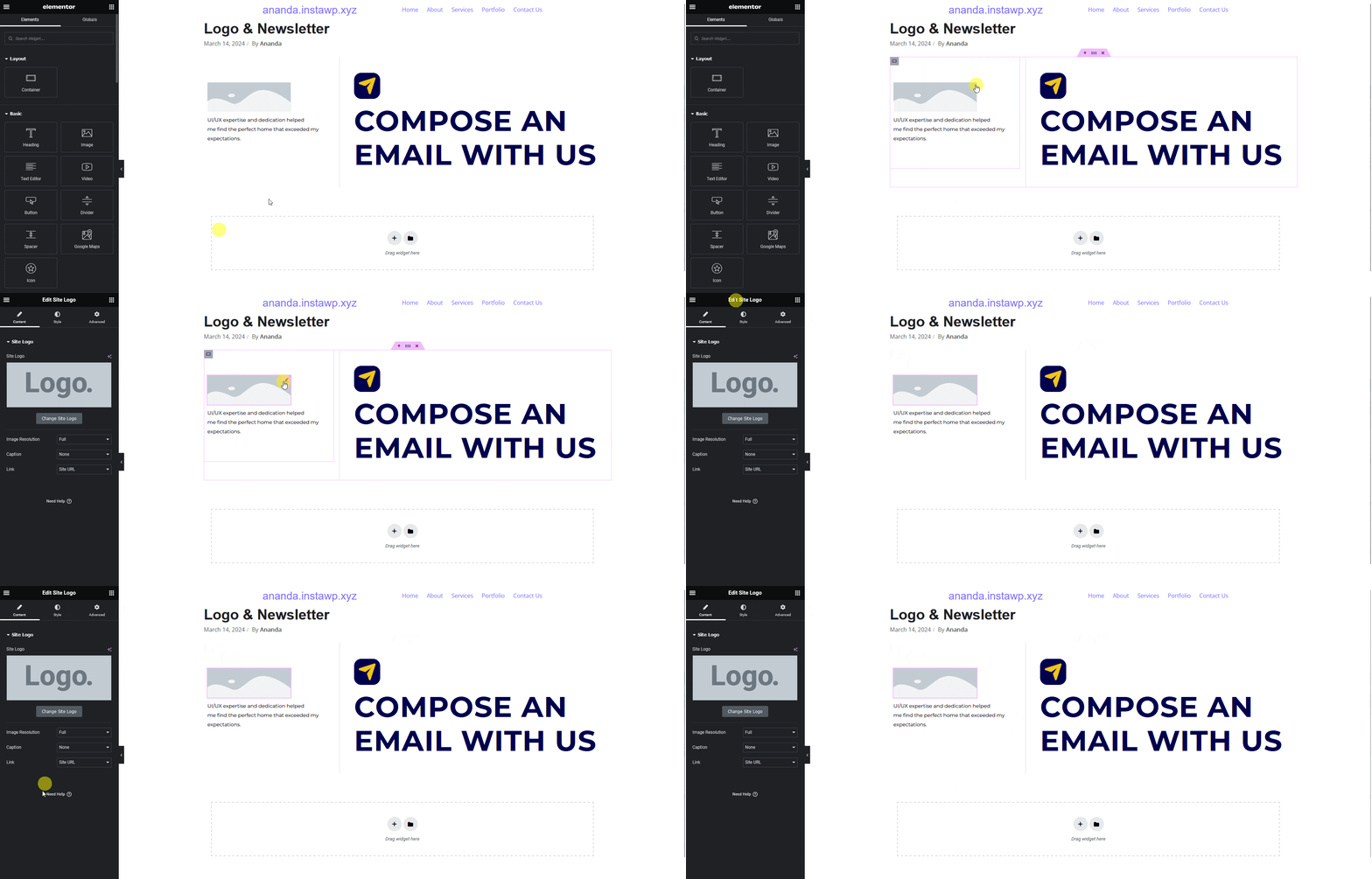
Since this is a Pro widget, make sure the Elementor Pro plugin is installed and activated. You might need to make minor adjustments in the widget settings to match your design, especially for elements that aren't tagged.