How to Combine Multiple Elements in Figma and Export as an Image?
Combine multiple Figma elements and export them as a single image using UiChemy's locking feature.
If you're using multiple elements to create a single object in your Figma layout, you can combine those elements and export them as a single image using UiChemy.
By default, every design element in your Figma layout is exported as an individual element. But if you want a group of elements exported as a single image instead, you can do that with UiChemy's locking feature, reducing the exported file size and making the result easier to maintain, since fewer elements are exported.
Using Locking
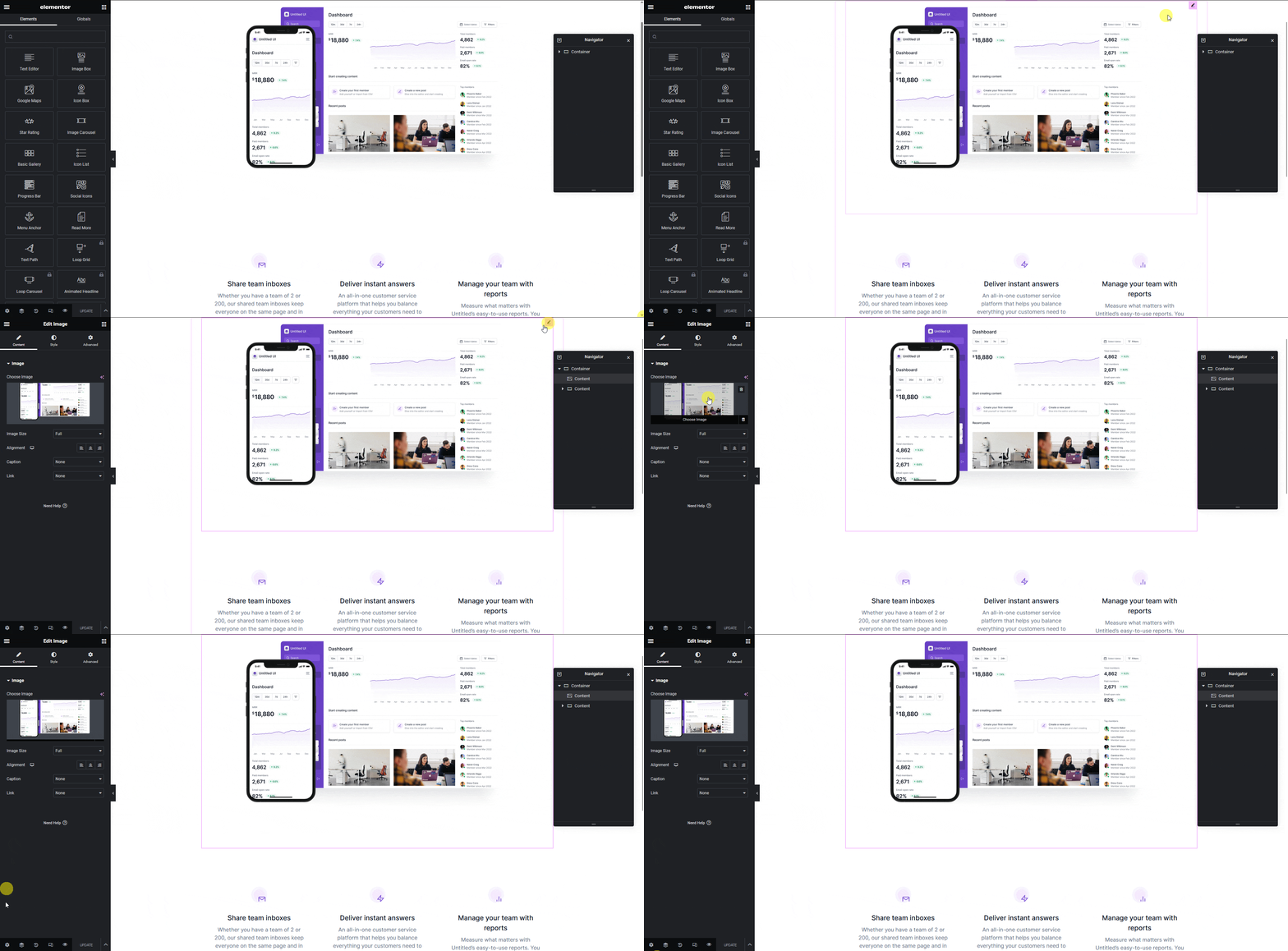
For example, say you have a design where multiple elements are used to create a section. To export the entire section as a single image, just lock the frame.
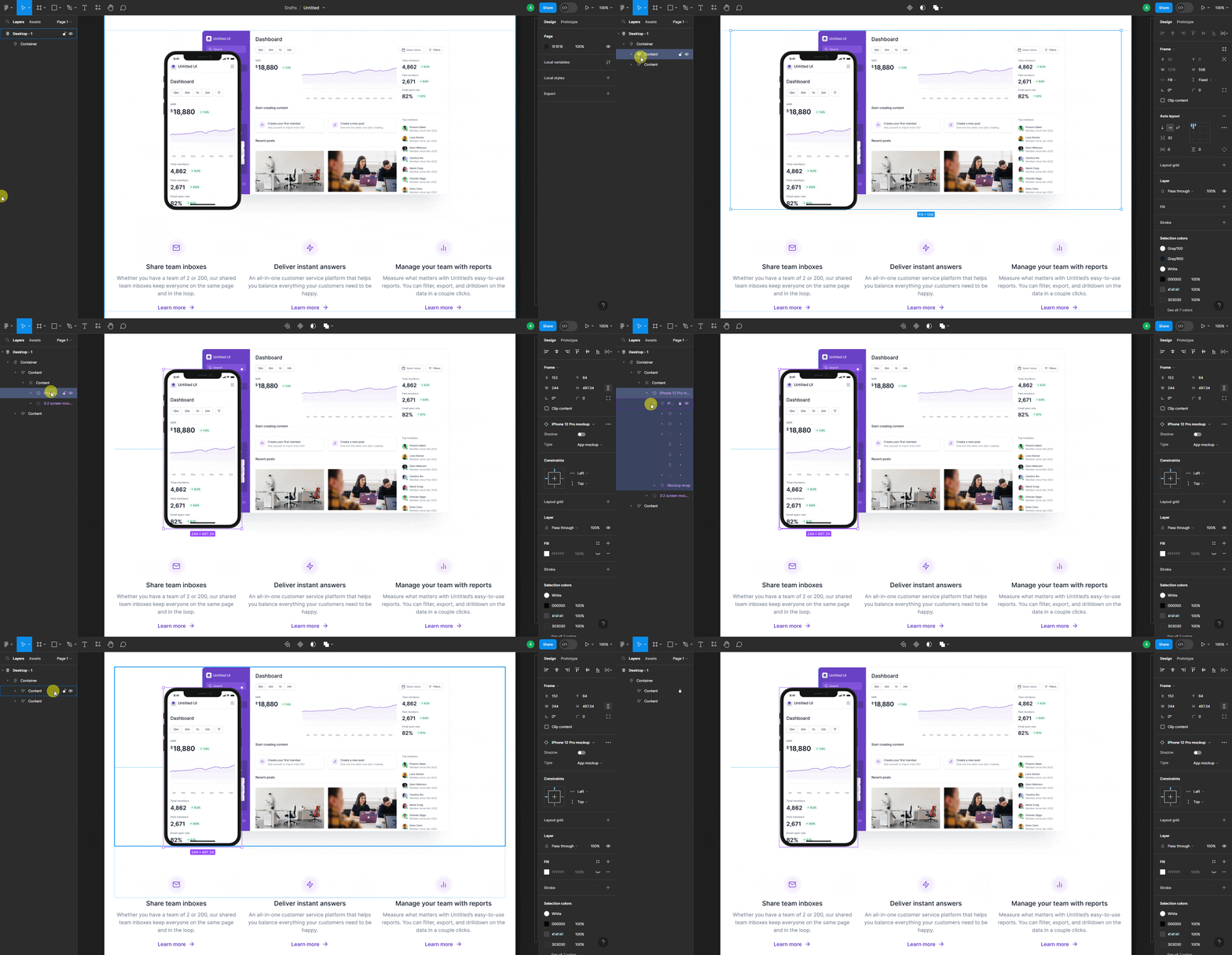
Now, when you export the layout, UiChemy treats that frame and its elements as a single element, in Elementor, it shows up as one image.
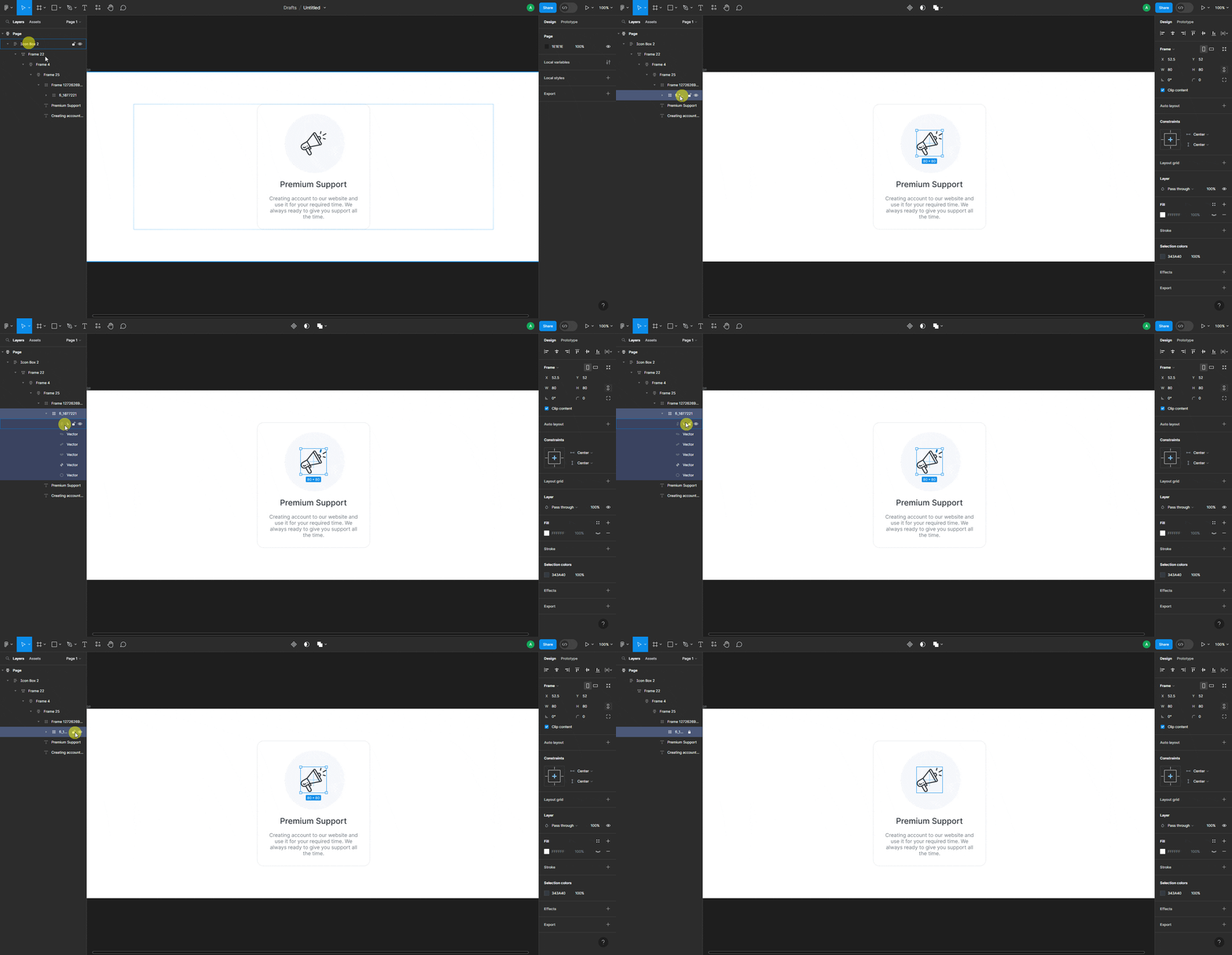
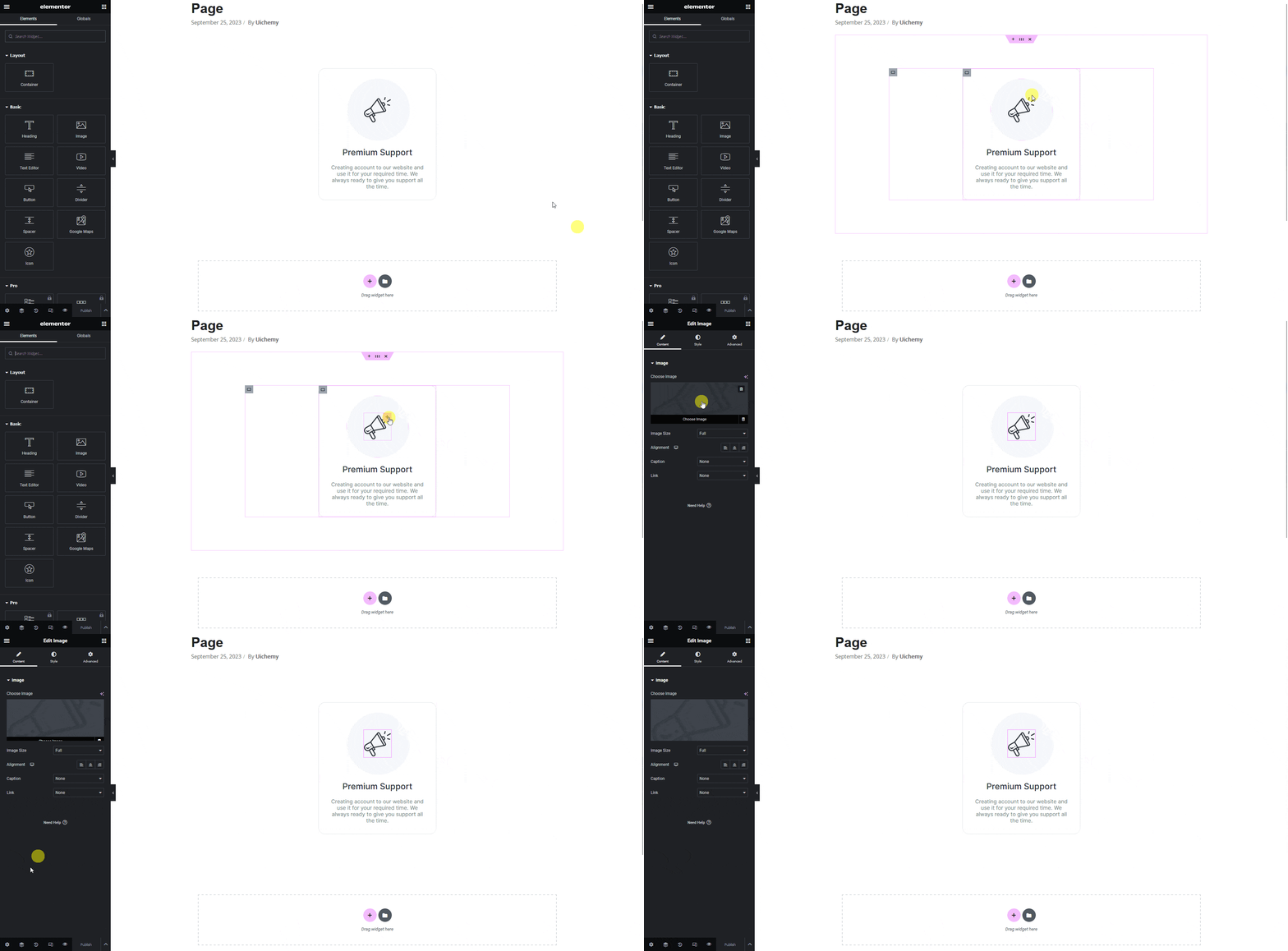
Another common use case for locking is SVG images or icons. In Figma, SVG icons are often divided into separate sections, which can cause problems when the template is imported into Elementor.
For example, here's an SVG icon with all its elements separated into different sections. Locking the main section exports it as a single image.
Locking a group or frame of multiple elements is also useful whenever you want fewer images/vectors on the exported page, combine the elements first, then lock and export as one image.