While Direct Import process URL Unreachable, Token Mismatch, Connection Error : Resolved
Fix the common UiChemy Direct Import errors, URL Unreachable, Token Mismatch, Connection Error, and missing page builder plugins.
When connecting the UiChemy Figma plugin to your WordPress plugin, or during export with the Direct Import feature, you may run into a few common errors. Here's what causes each one, and how to fix it.
We highly recommend keeping the UiChemy WordPress Plugin updated to the latest version, install any available update before troubleshooting further.
Error: URL Unreachable
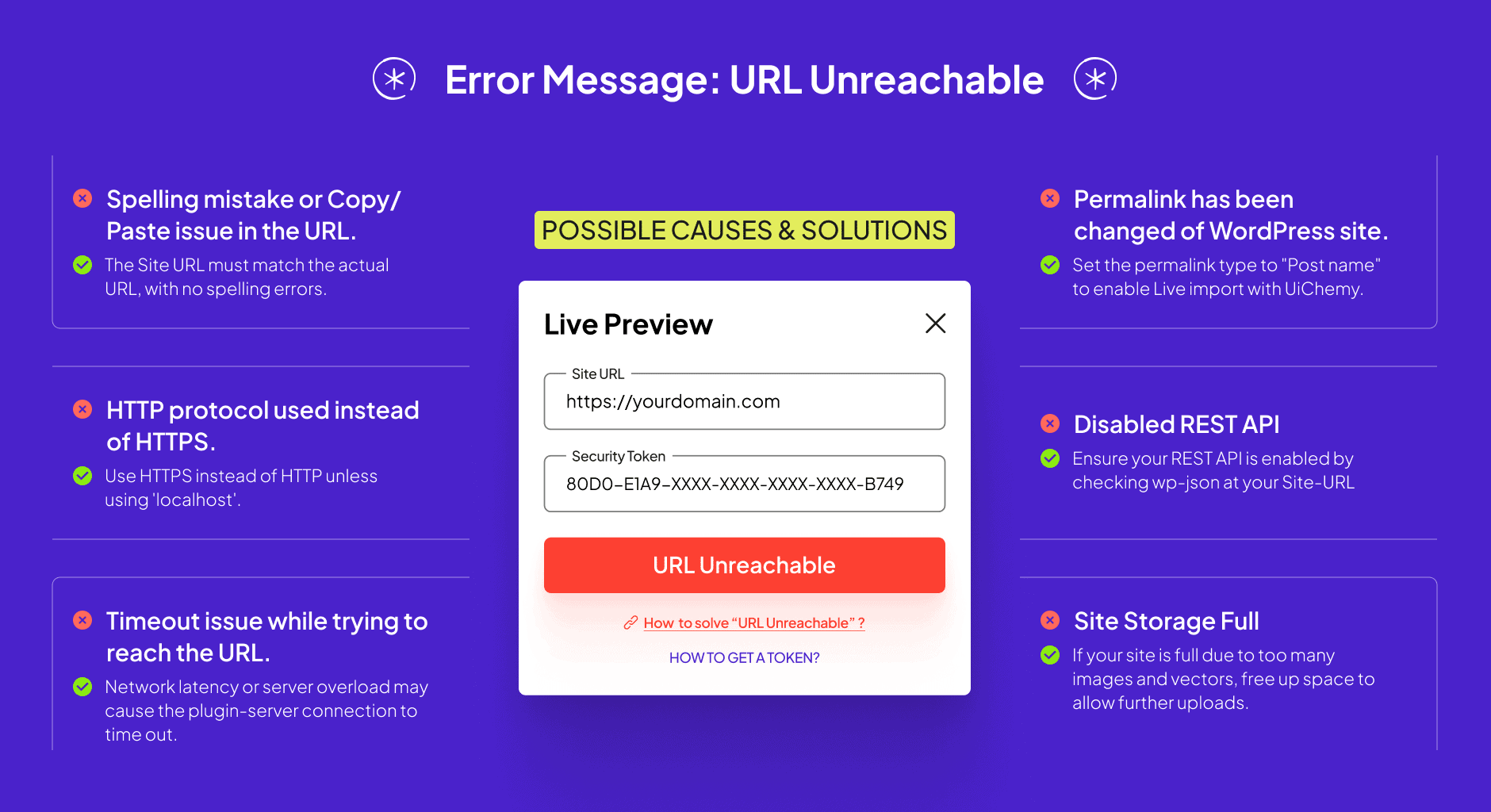
Possible causes and fixes:
- Spelling mistake or copy/paste issue in the URL, make sure the URL entered matches the site's actual URL exactly.
- HTTP used instead of HTTPS, unless you're using
localhost, using HTTP instead of HTTPS results in an unreachable connection. Make sure the protocol is correct. - Timeout reaching the URL, this can happen from network latency or server overload. Retry after confirming a stable connection.
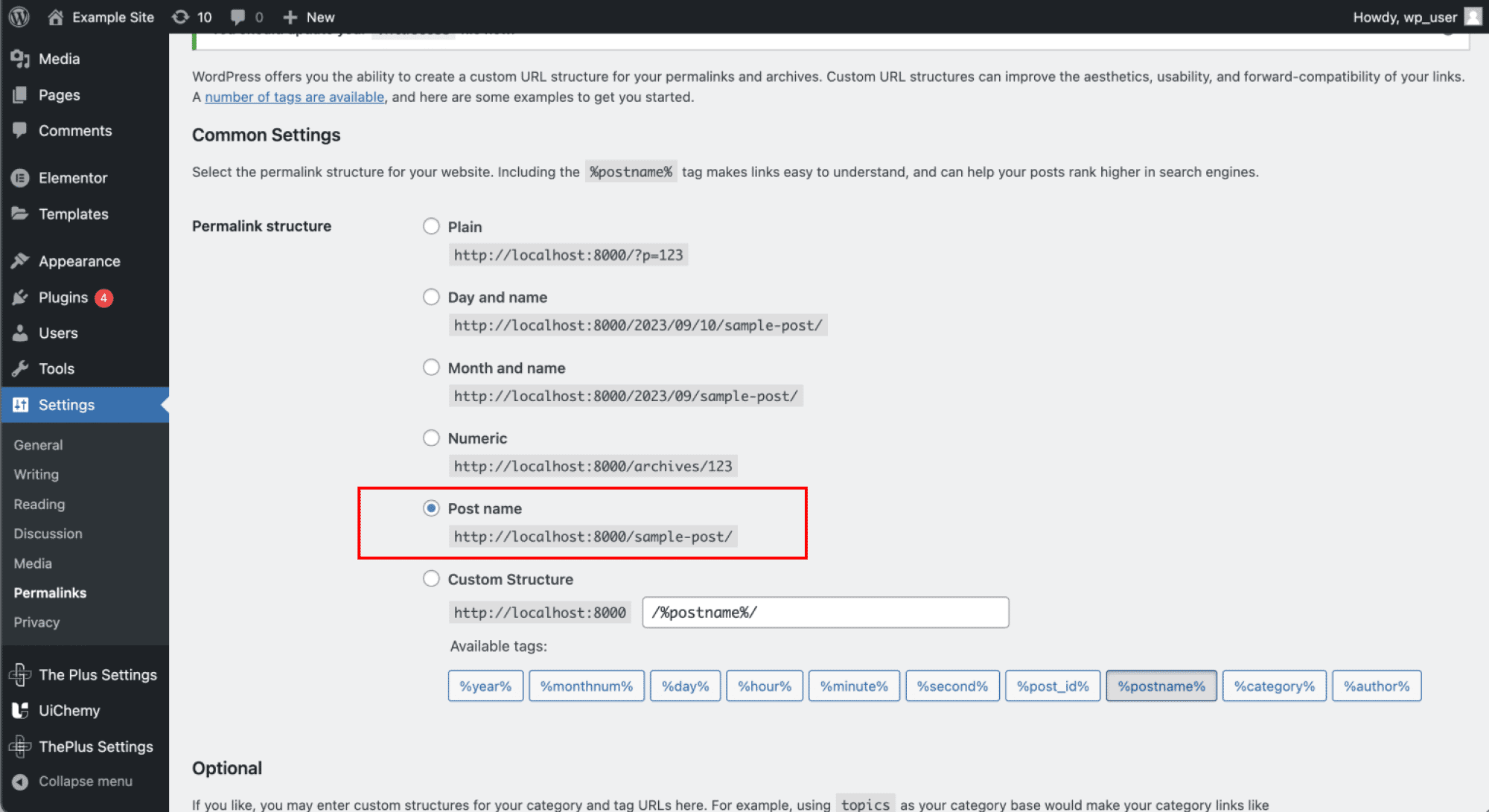
- Permalink structure changed, set the permalink type to Post name to enable Direct Import.
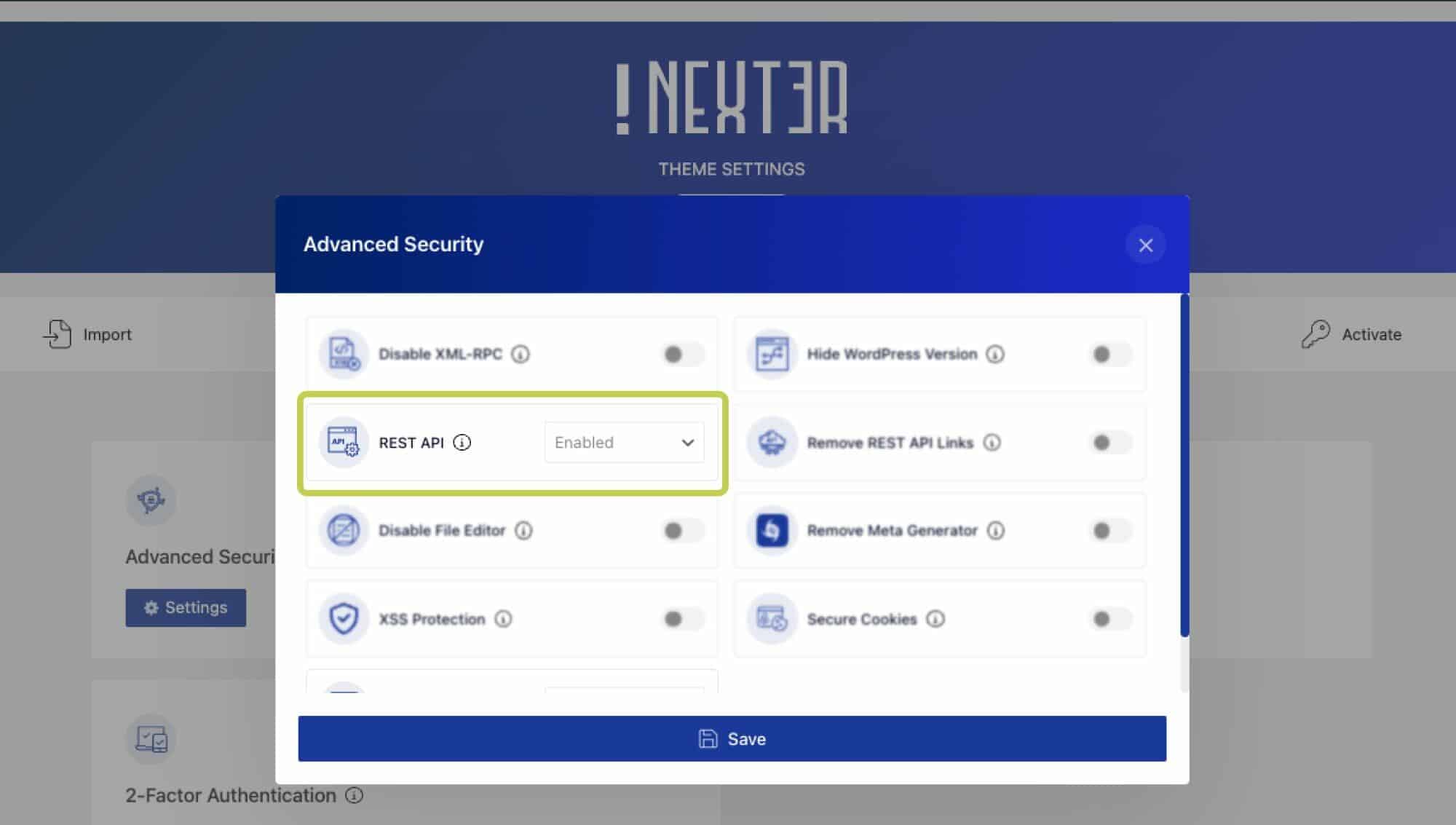
- REST API disabled, check by visiting
your-site.com/wp-json. If you get a 4XX error, your REST API is disabled by an access-control plugin, enable it and try again.
For example, in the Nexter theme: go to Nexter Settings → Security → Advanced Security → REST API, select Enabled, and save.
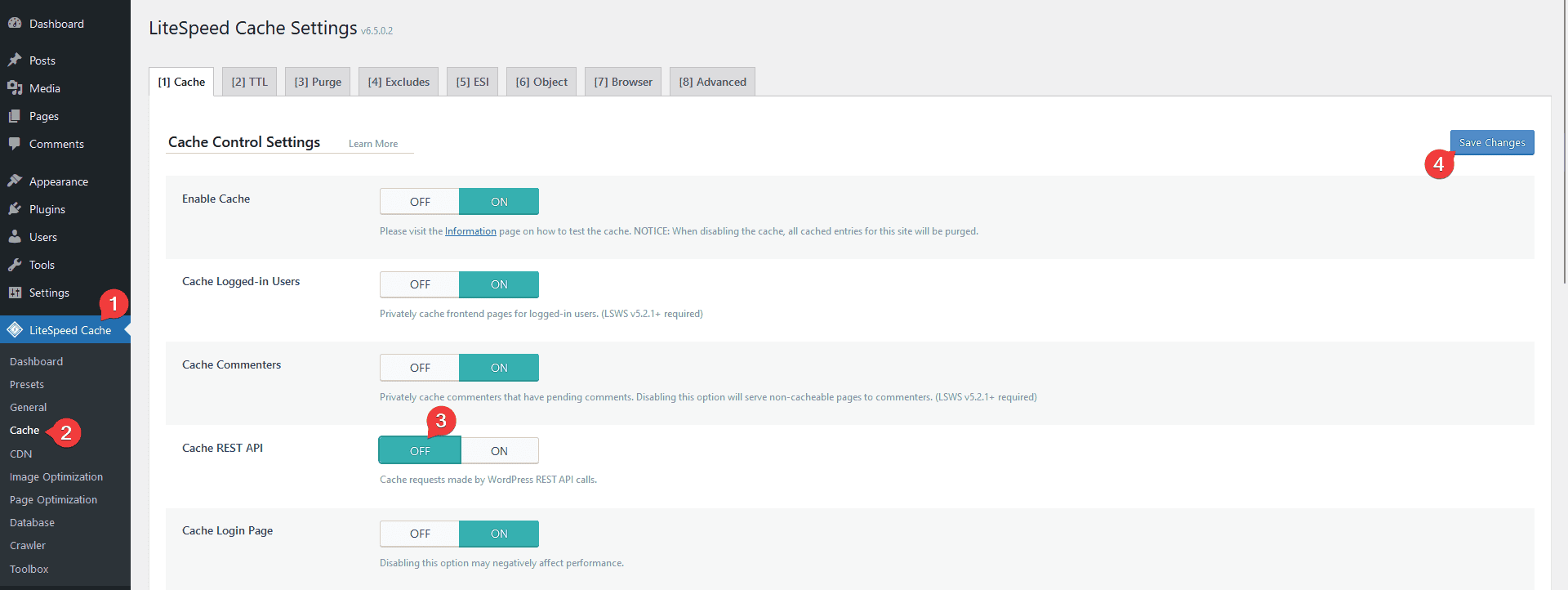
- LiteSpeed Cache REST API caching, if you're on LiteSpeed Cache (common on Hostinger and similar hosts) with Cache REST API turned on, this can cause URL Unreachable errors, especially on a second connection attempt. Turn off Cache REST API in the LiteSpeed Cache plugin.
- Site storage full, if too many images/vectors have been uploaded, your site may stop accepting new uploads.
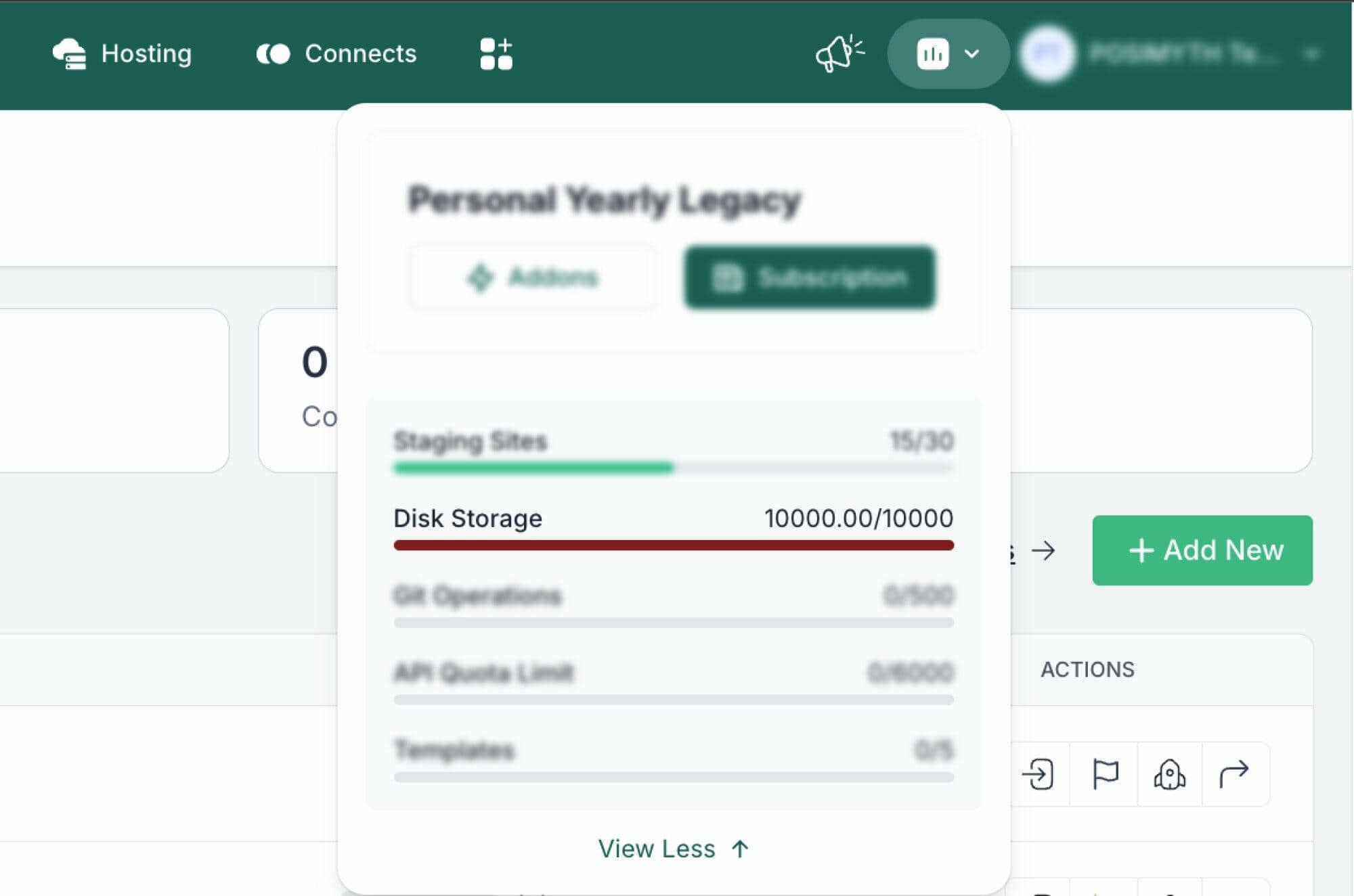
To free up space:
- Go to Templates/Pages, select any no longer in use, and move them to Trash.
- Empty the Trash.
- Go to Media, select unused images, and click Permanent Delete.
If your media library is especially crowded, you can use a WordPress plugin to clear unused images faster, at your own risk.
Error: Token Mismatch
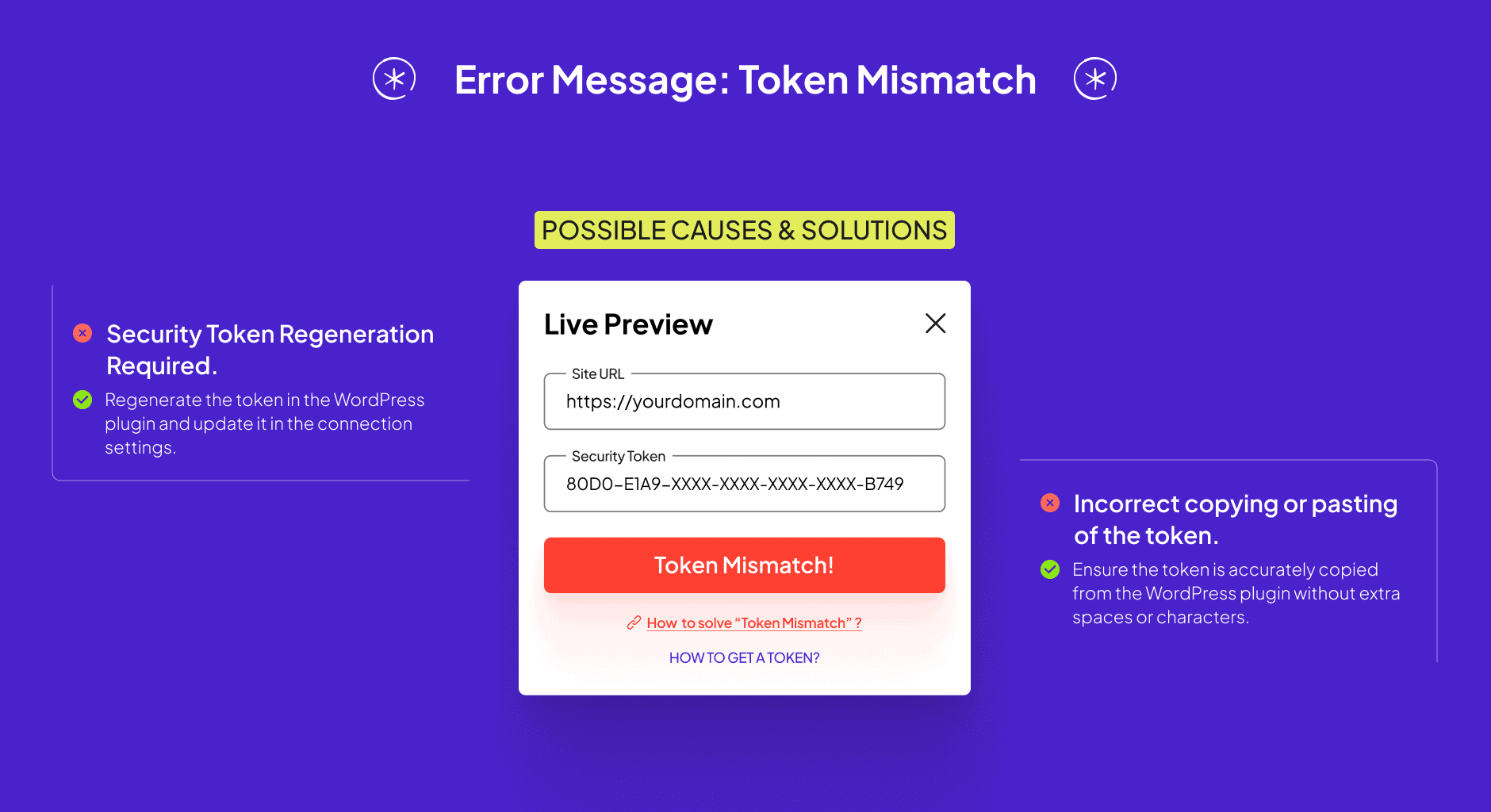
Possible causes and fixes:
- Security token needs regenerating, the authentication token may have become invalid. Regenerate it through the WordPress plugin and update it in the connection settings.
- Incorrect copy/paste of the token, make sure the token is copied exactly, without extra spaces or characters. Even a small discrepancy causes a mismatch.
Error: Connection Error
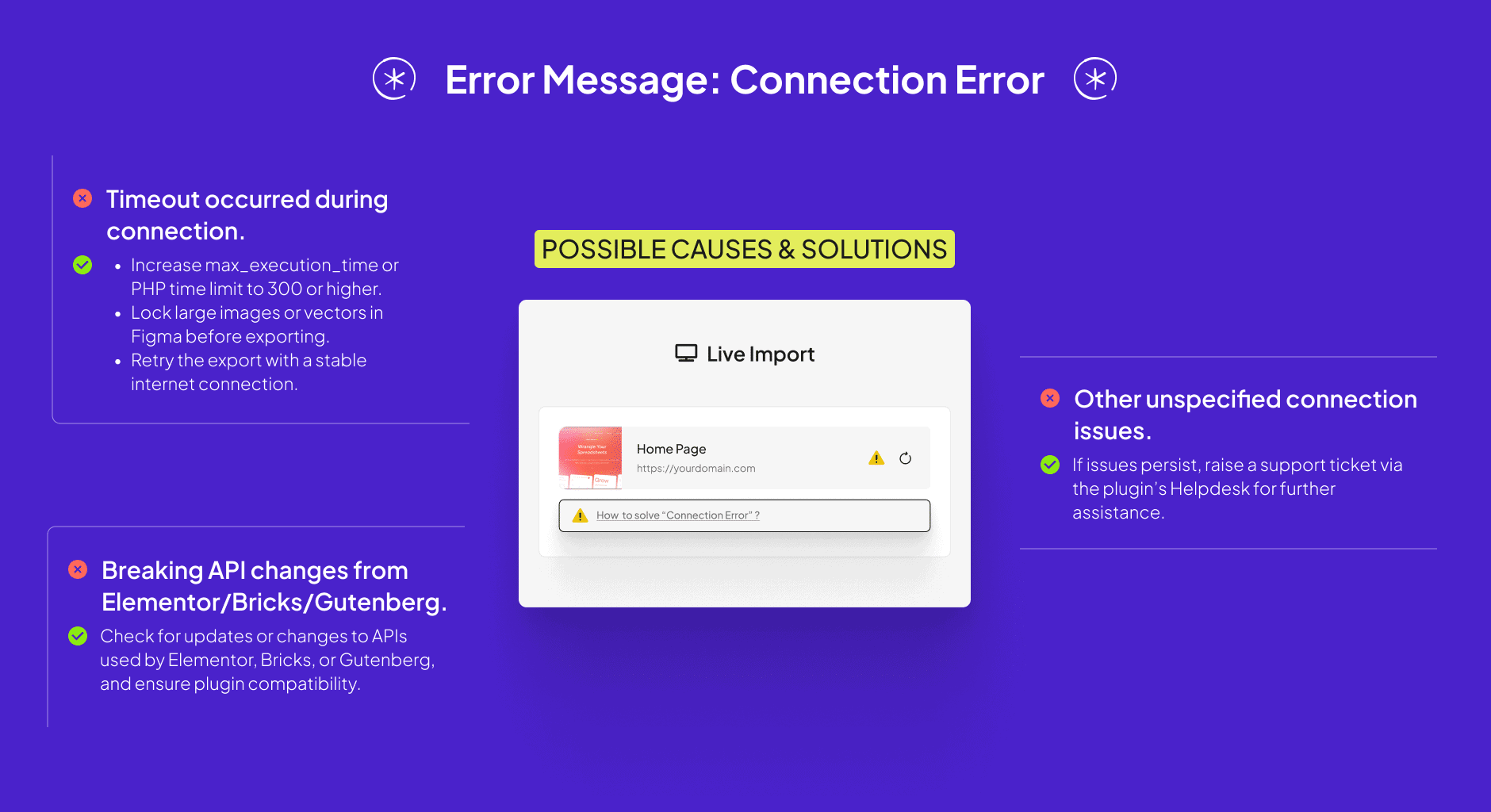
Possible causes and fixes:
- Timeout during connection:
- Max Execution Time, a low
max_execution_timecan cause the import to time out. Increase it to 300 or higher. - Image locking, exporting a design with many heavy, unlocked images or vectors can time out during upload. Lock the groups of images/vectors in Figma before exporting.
- Internet issue, network latency or server overload can cause a timeout. Retry after confirming a stable connection.
- Max Execution Time, a low
- Breaking API changes from Elementor/Bricks/Gutenberg, check for recent updates or announcements from these platforms and confirm compatibility with the plugin.
- Other connection issues, if none of the above apply, raise a support ticket via the Helpdesk for further investigation.
Error: Elementor Not Installed
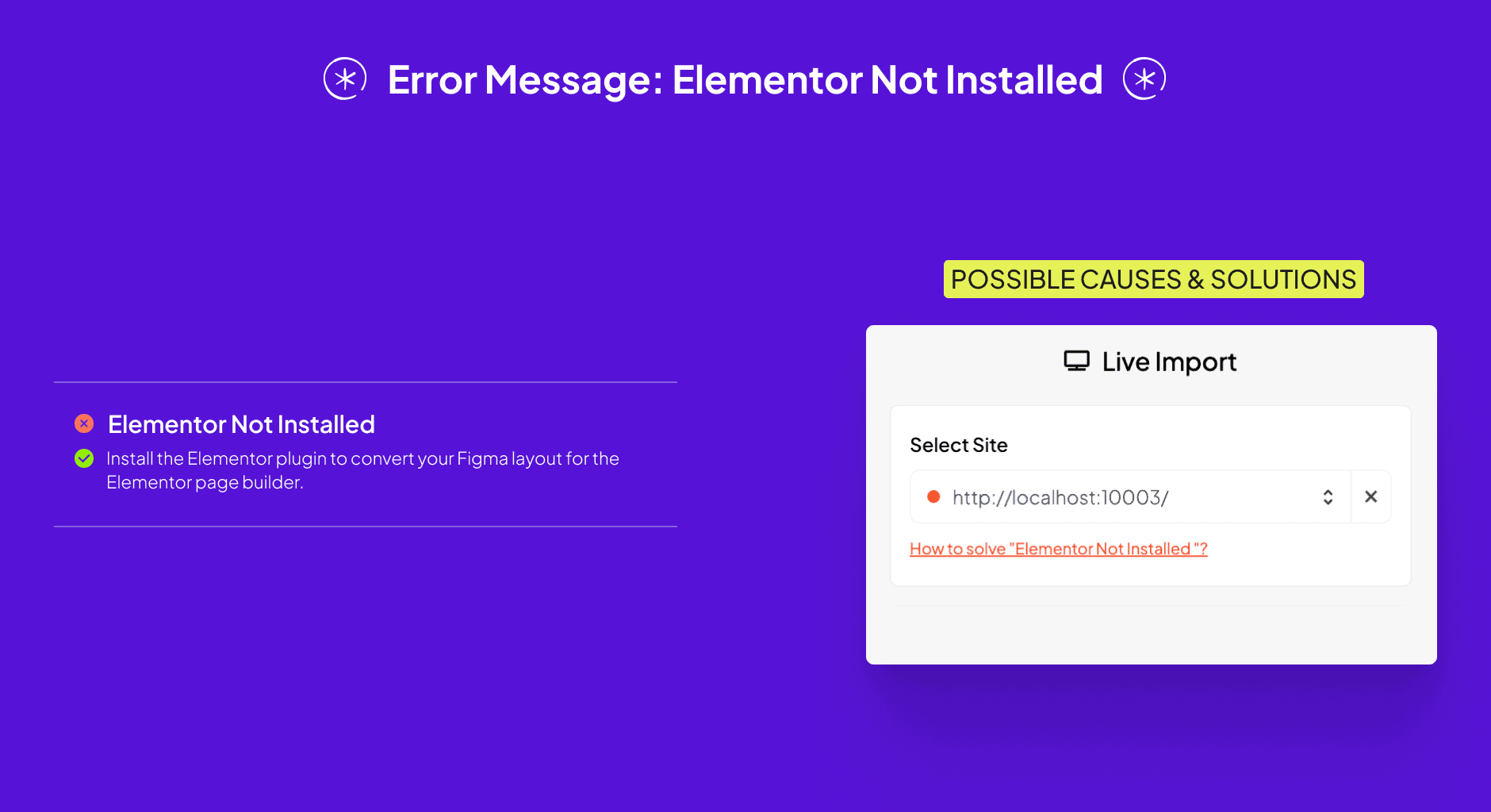
This appears if you're converting your Figma layout for Elementor without having the Elementor plugin installed. Install Elementor before converting.
Error: The Plus Addons for Gutenberg Not Installed
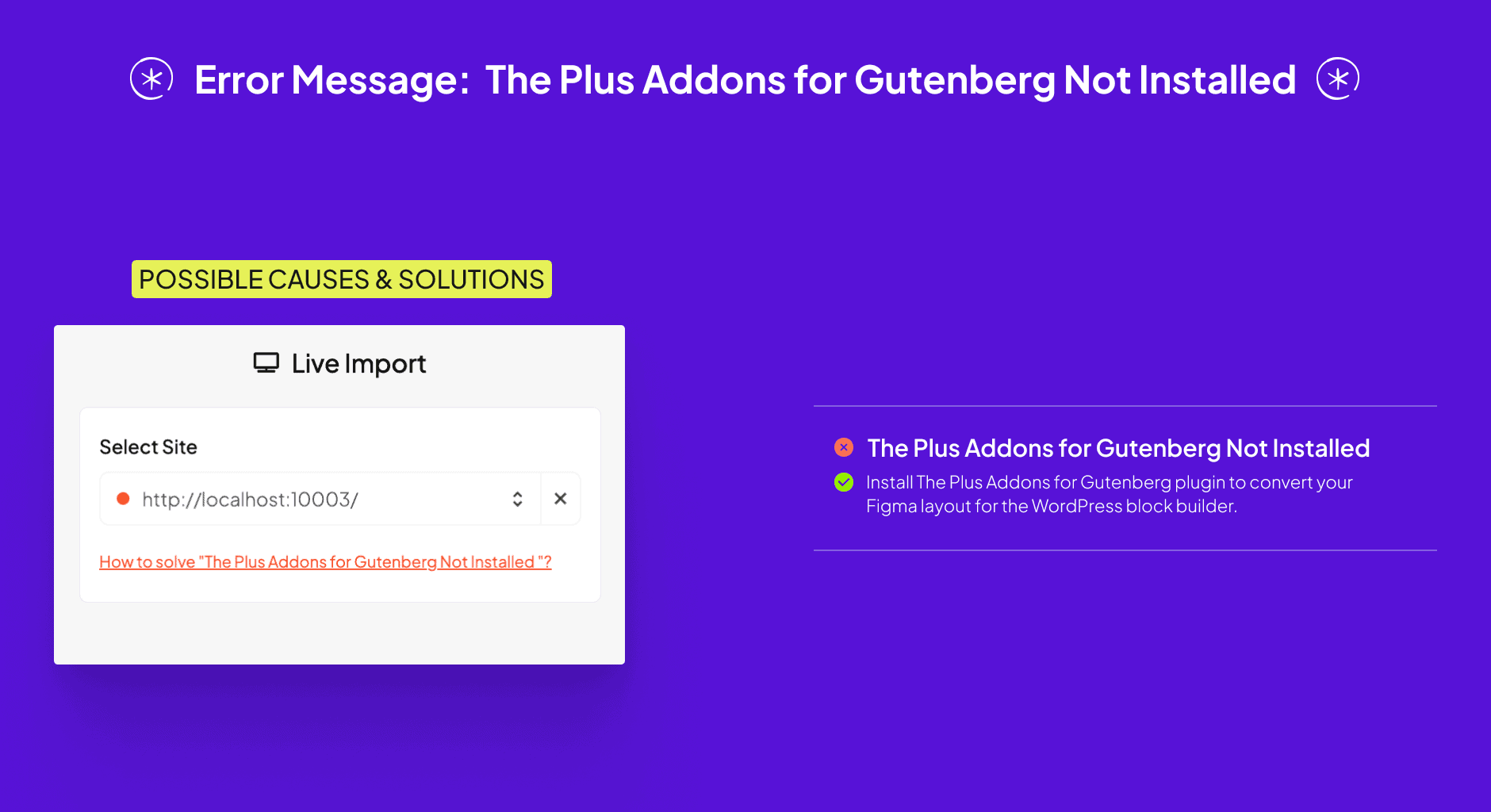
This appears if you're converting your Figma layout for the WordPress block editor without The Plus Addons for Gutenberg plugin installed. Install it before converting.
Error: Bricks Not Installed
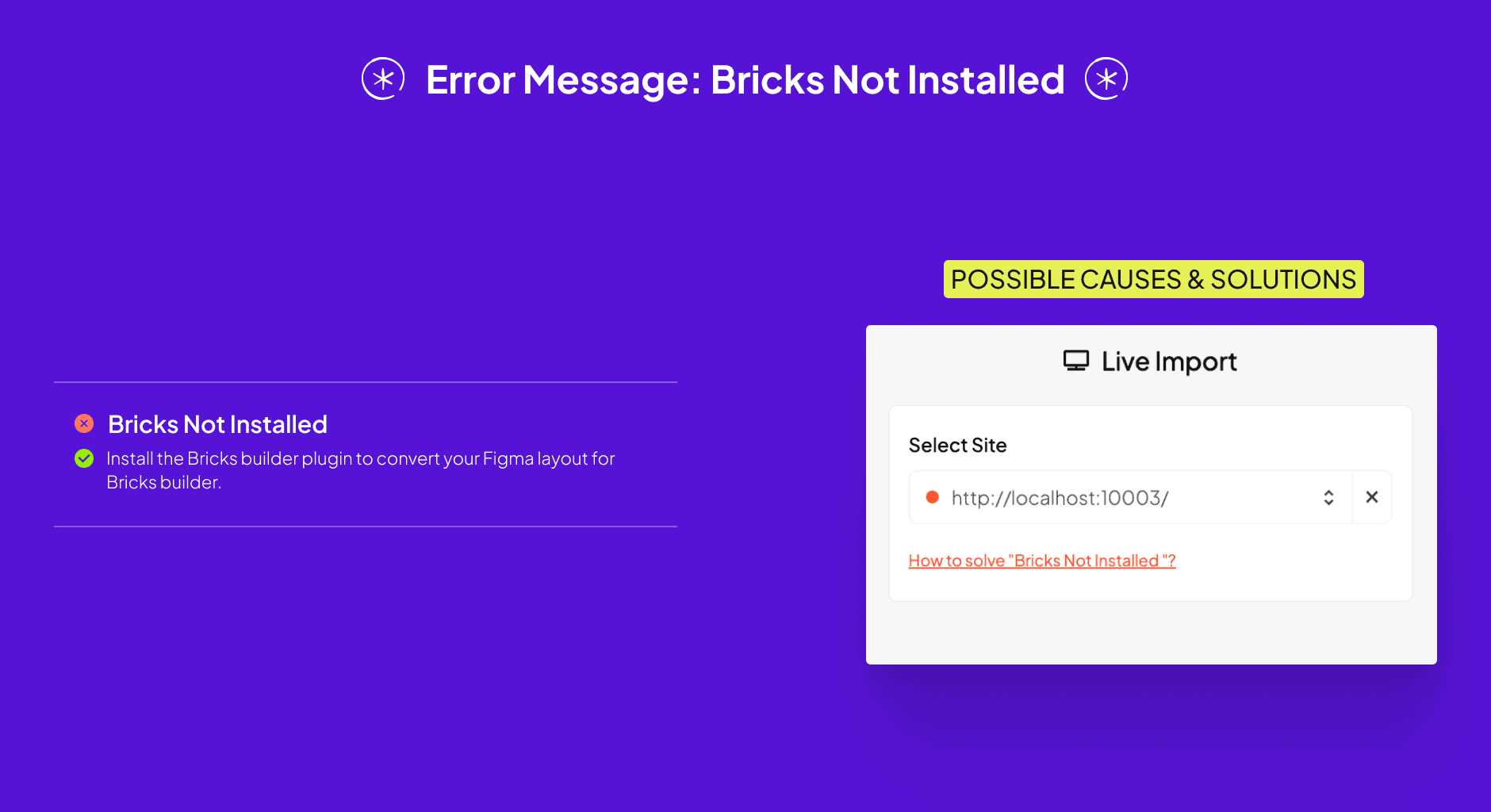
This appears if you're converting your Figma layout for Bricks without the Bricks Builder plugin installed. Install it before converting.
Frequently Asked Questions
What causes the "URL Unreachable" error during Direct Import?
A spelling mistake in the URL, using HTTP instead of HTTPS, or a timeout from network latency, are the most common causes. Also check that the REST API is enabled, and if using LiteSpeed Cache, that Cache REST API is off.
How can I resolve a "Token Mismatch" error?
Regenerate the security token through the UiChemy WordPress Plugin and make sure it's copied accurately into the connection settings.
Does UiChemy work with Elementor, Gutenberg, and Bricks?
Yes, all three, but not other page builders like Divi or WPBakery. Make sure the corresponding plugin is installed before converting.
What should I do if I encounter a "Connection Error" during Direct Import?
Increase max_execution_time to 300 or higher, lock heavy images in Figma before exporting, and check for breaking API changes in Elementor, Bricks, or Gutenberg.
What common mistakes lead to the "Elementor Not Installed" error?
Trying to convert a Figma layout for Elementor without having the Elementor plugin installed, always install it first.
How can I prevent storage issues when using UiChemy?
Regularly clear out unused images and templates from your media library and Trash, so your site doesn't run out of storage during import.